

Play Animal Crossing online.
The GameCube original, in your browser. No installs, no downloads.
A community project, not affiliated with Nintendo. You bring your own game; we serve no copyrighted material.
▶ Start Playing2 people played this week
Made something about the game?
We're building a community showcase for the homepage. If you've made a YouTube video, streamed, posted on X or TikTok, or shared anything else about Play AC Online, send us the link. We'll pick favourites to show new players.
How to send us your link
Feedback Button and New Wiki Pages
Send us feedback: the button in the corner opens a box that sends your message straight to us.
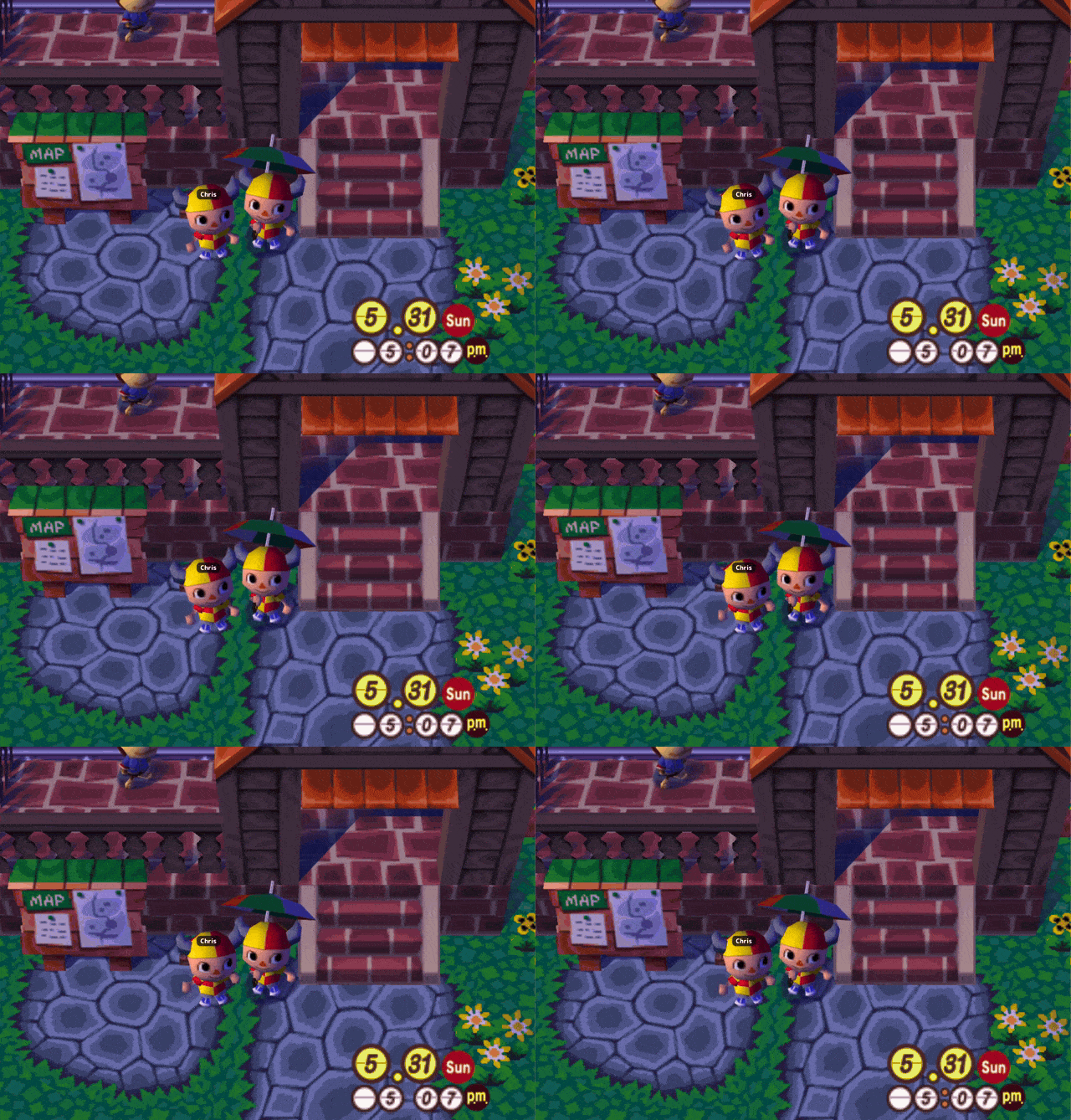
Visit a friend's town and explore it together, live.
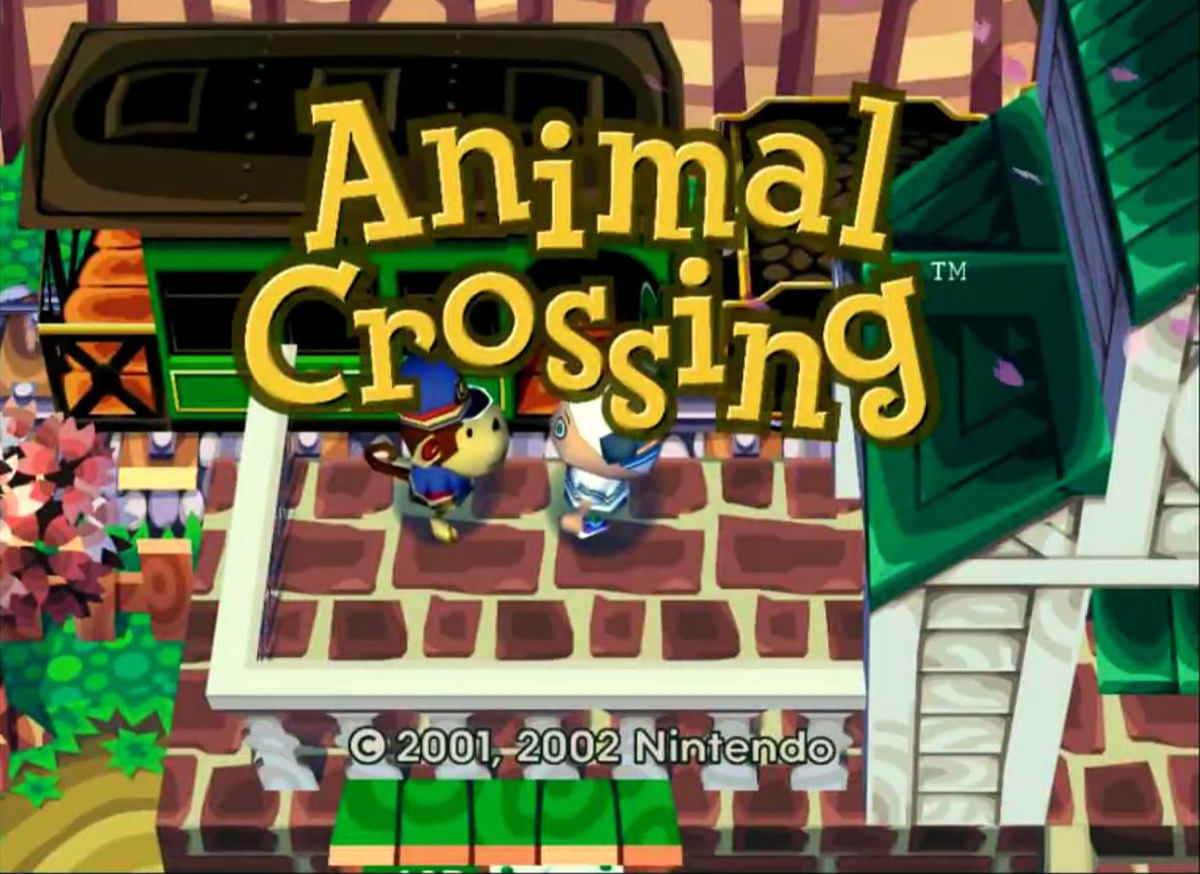
The GameCube original.
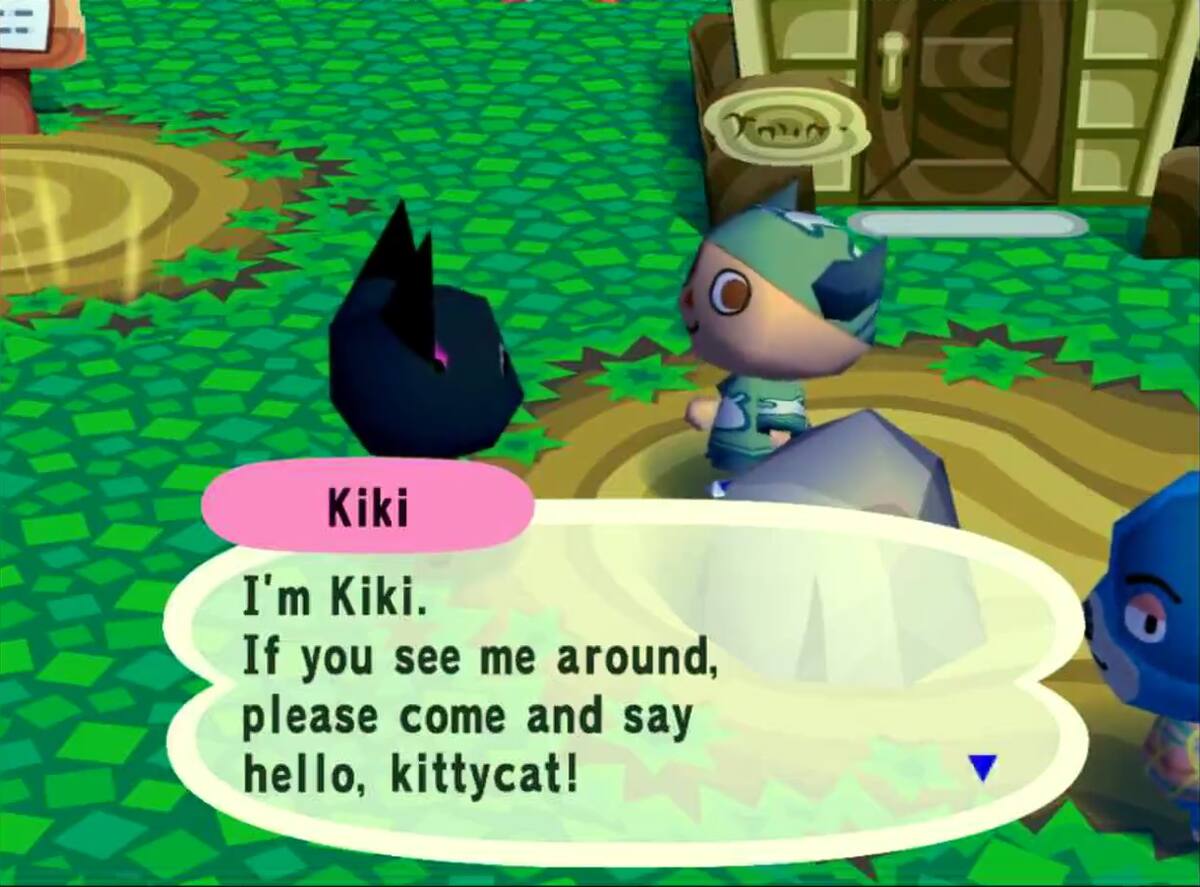
Meet the neighbours.
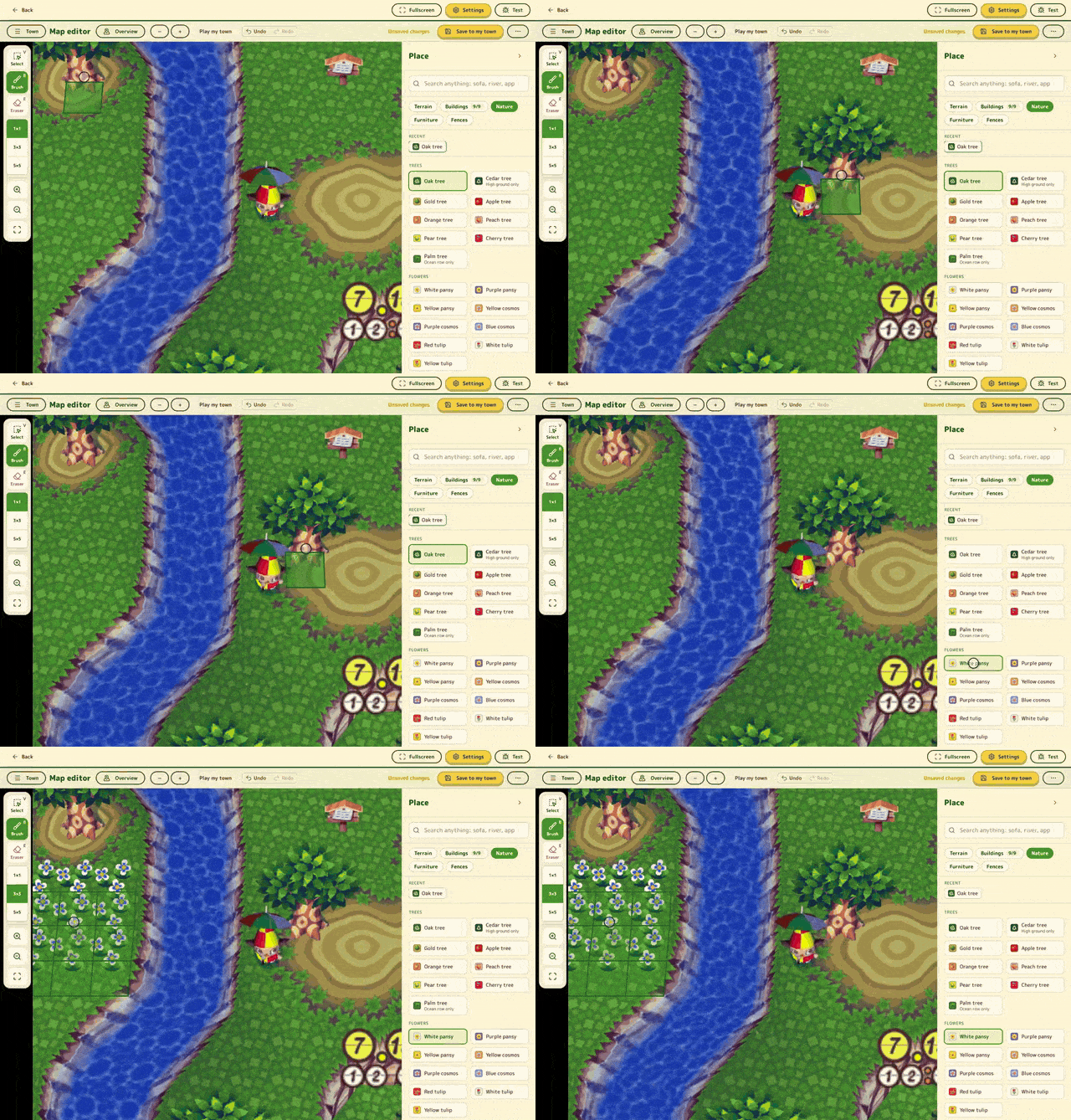
Redraw your town in the map editor, on the town itself.
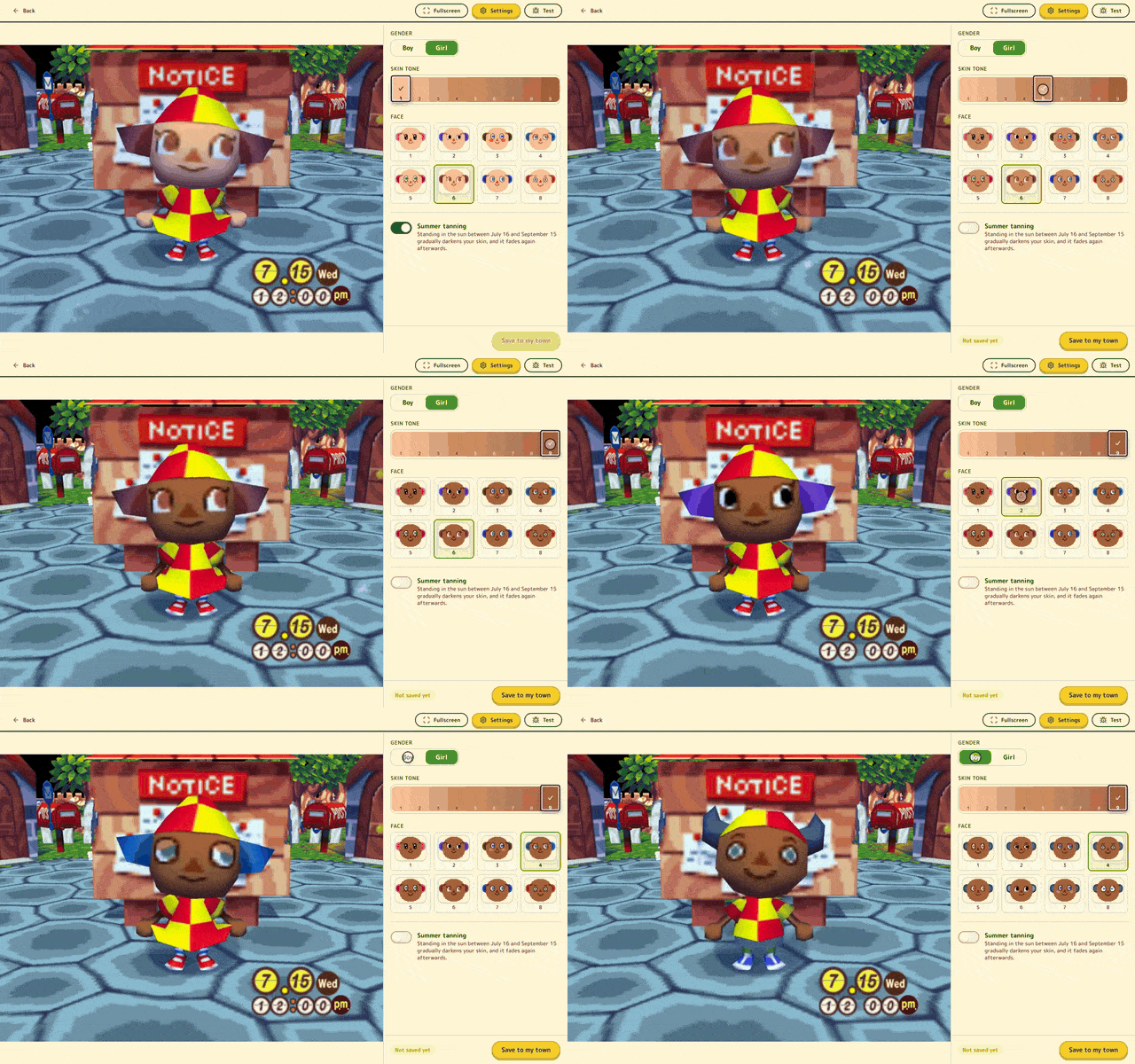
Change your face, your look and your skin tone whenever you like.
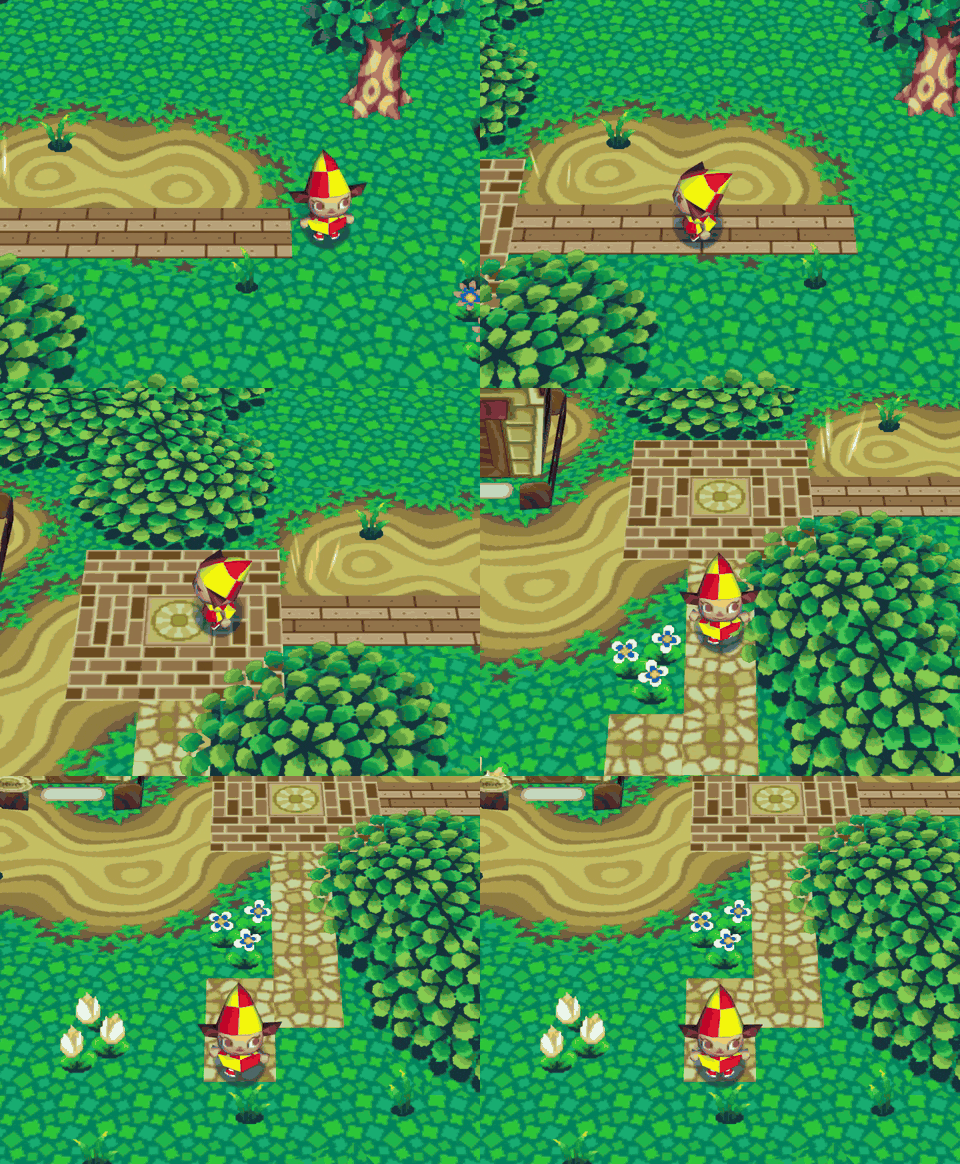
Lay your own designs on the ground as paths.
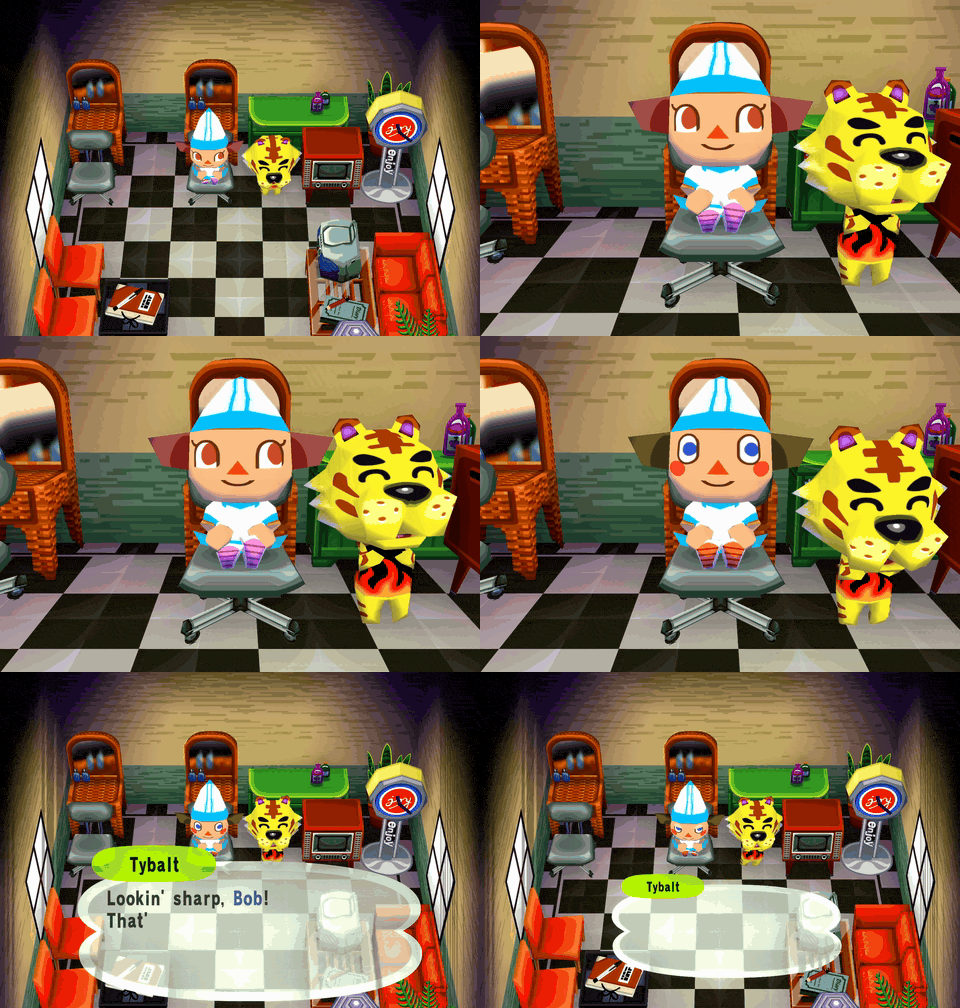
Visit Tybalt's barber shop in the City, and he will give you a new face.
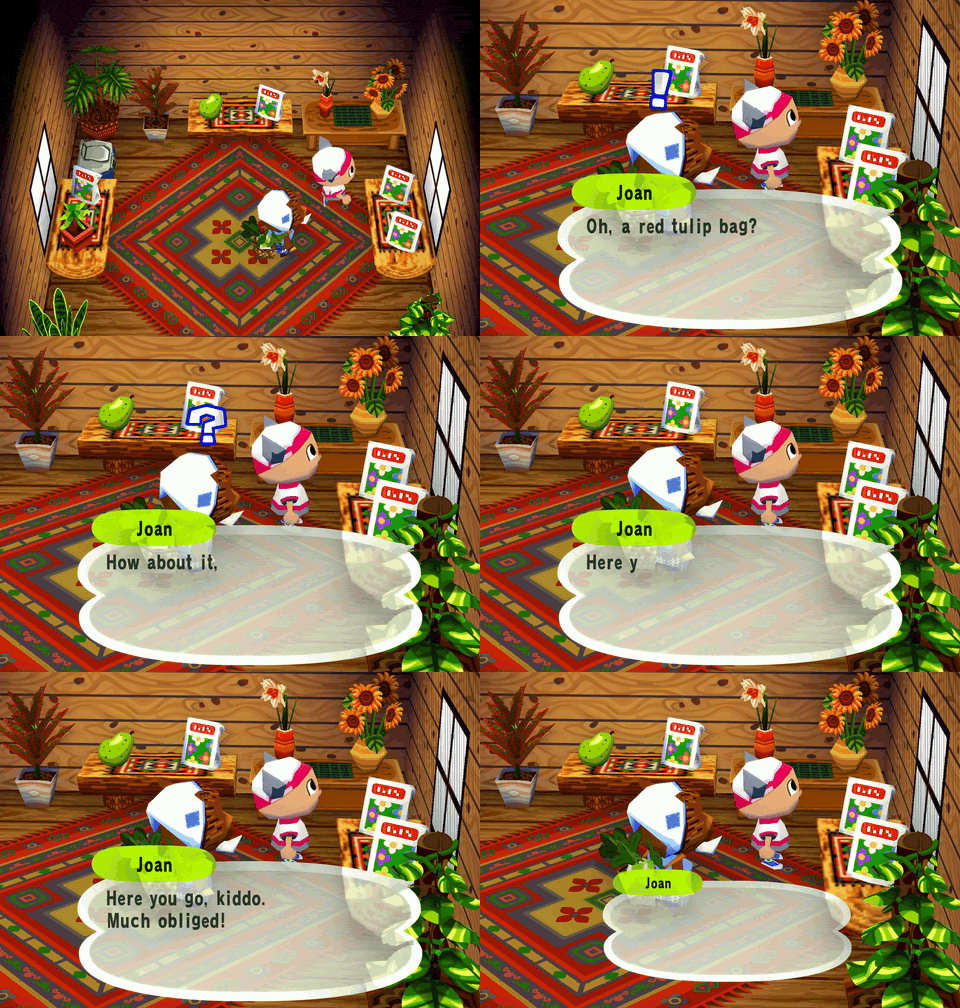
Joan's flower shop is in the City too: she sells seeds, a sapling and a fruit, different every day.
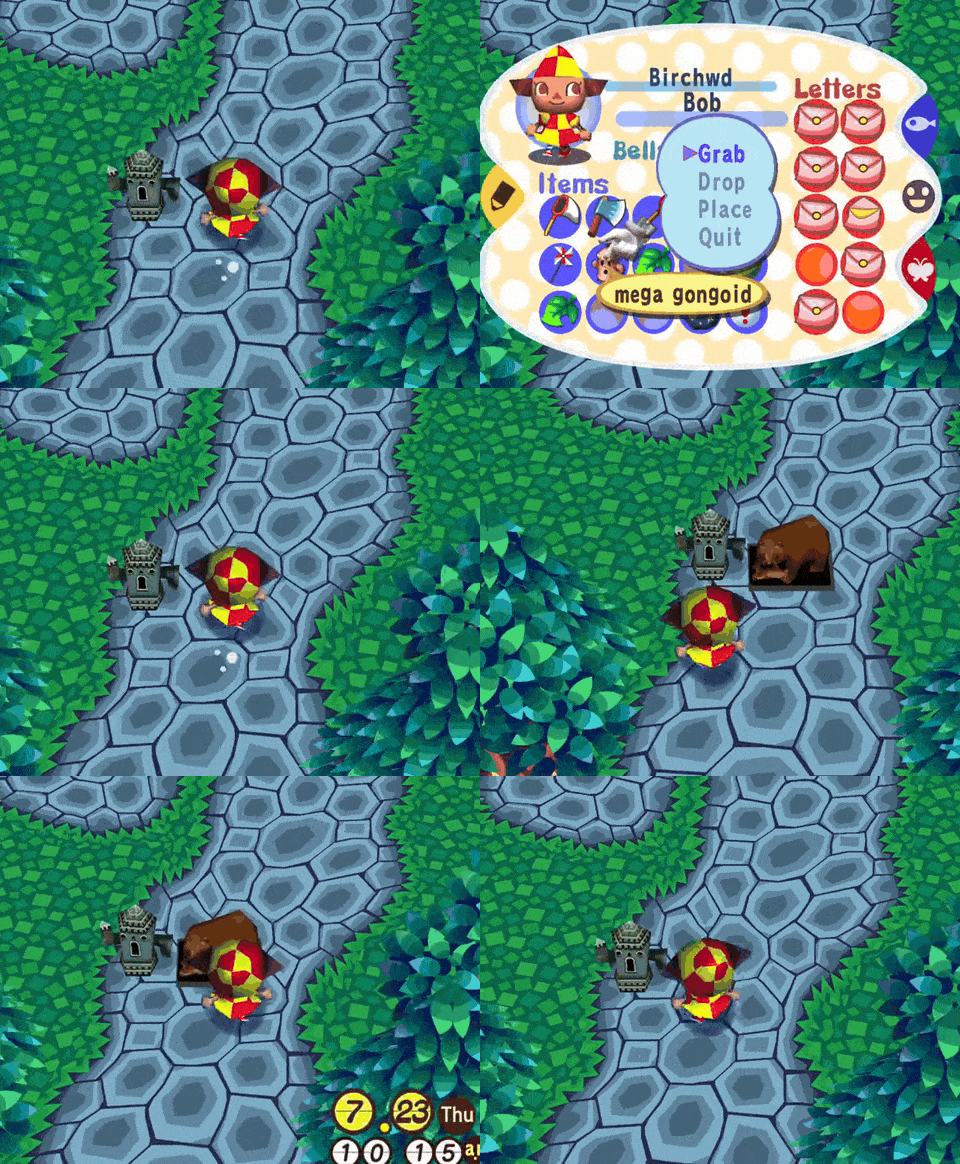
Decorate outdoors with real 3D furniture and gyroids that sway on their own.
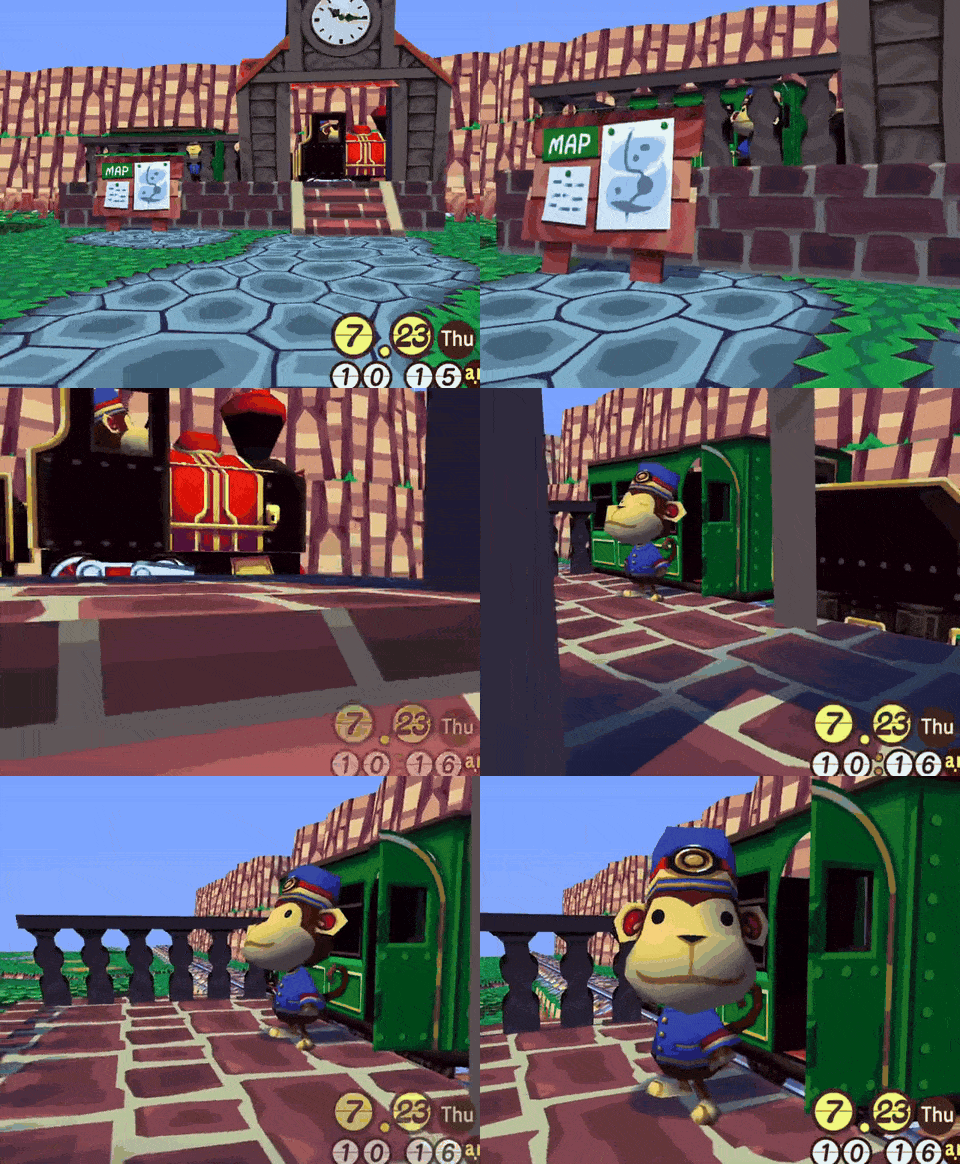
Drop into a first-person view and walk your town up close.
Design your own town
Build a town layout tile by tile in the map editor, then walk it in-game.
Change how your character looks
Pick a new face, skin tone or gender at any time, and see it before you save.
Found a bug or have an idea to make the game better?
What is Play AC Online?
Play AC Online lets you play the original GameCube Animal Crossing right in your web browser, with no emulator to install and nothing to download. It's a faithful WebAssembly port of the real game, with an online layer on top: cloud saves, Dolphin save import, and live visits to your friends' towns.
Bring your own GameCube disc image, load it once, and your town is ready on any device: desktop, phone, or tablet. You can also design a custom town in the built-in map editor and walk it in-game, and change your character's face, skin tone or gender whenever you like.
Which Animal Crossing is this?
The first one. Animal Crossing reached the GameCube in 2002.
It reads your clock. When the sun goes down where you are it goes down in the town, the shops shut and your neighbours go to bed. Turn up in December and there is snow. Come back after a month away and the weeds have taken over. Stay away longer and a neighbour packs up and moves to someone else's town.
What running it here adds
The game is the 2002 original. Everything around it is new.
Ride the train to a friend's town and walk around it together, live. Sign in and your town follows you to any device, so you can start on a laptop and carry on from your phone.
How it works
- 1
Get a disc image of an Animal Crossing GameCube copy you own: an
.iso, or Dolphin's.rvz,.gczor.wia, zipped or not. - 2
Load it on the Play page. It's cached in your browser and never uploaded anywhere.
- 3
Play with keyboard, controller, or touch, and sign in for cloud saves. New here? Read the how to play guide.
Features
- The full GameCube game in your browser
- Cloud saves that sync across devices
- Multiplayer visits to your friends' towns
- Keyboard, gamepad, and touch controls
- Dolphin save import and export
- Works on mobile, add it to your home screen
- HD texture pack support
- Animal Crossing+ quality-of-life mods
- In-browser map editor to design your own town
What is done, and what is coming.
See the roadmap