The map editor: redraw your own town
Move buildings, raise cliffs, reshape the coast, and put trees, flowers or furniture anywhere in your town.
Opening it
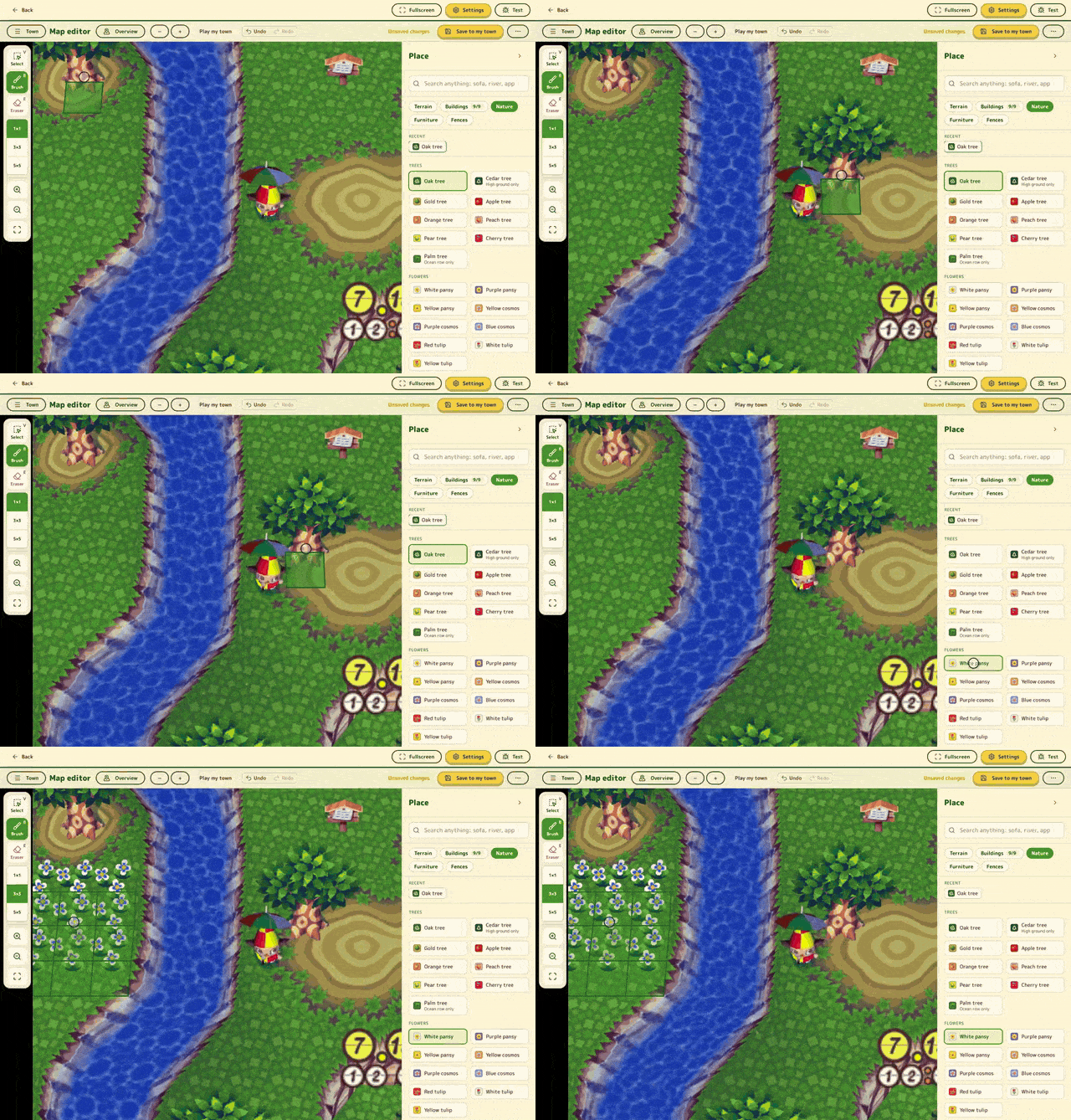
Press Map editor at the top of the site. You need your disc loaded on the play page and a saved town in the same browser.
You edit your town in 3D. Drag to move, scroll or pinch to zoom. Overview shows a flat map of the whole town.
Tools
- Select (V): look at a tile.
- Brush (B): place what you picked. Sizes 1×1, 3×3 and 5×5.
- Eraser (E): clear a tile.
- Right-click: pick up what's on a tile.
- Undo and redo: Ctrl or Cmd with Z and Y, 50 steps back.
- ?: every shortcut.
Hover over a tile to see what a click will do, or why it can't.
What you can place
| Tab | What's in it |
|---|---|
| Terrain | Grass, ocean, beach, bridges and cliffs. |
| Buildings | Houses, Nook's (any of its four sizes), the museum, the Able Sisters, the police box, the station, the post office, the dump and the shrine. Also the barber shop and flower shop, one of each per town. |
| Nature | Trees, fruit trees, palms, flowers, weeds, rocks, the money rock, fossils, shells and gyroids. |
| Furniture | The full catalog, over 1,200 pieces. |
| Fences | Fences, one tile at a time. |
To move a building, pick it up and put it down somewhere else.
Cliffs
Ground has three levels: 0, 1 and 2. Use Raise +1, Lower −1 or Set 0, 1 or 2 on an acre, and Slope to cut a ramp.
If your town has black walls where acres meet, Repair terrain fixes them.
Saving
Your edits stay a draft in this browser until you press Save to my town. It lists anything you'll lose, like buried items or design paths, and offers a download of your current save first. Reload afterwards to play the new layout.
Download .gci in the menu saves a copy without touching your town.
Good to know
- On a phone, Move pans with one finger and Edit paints. Two fingers pan and zoom in both.
- You can't draw rivers yet.
- The town name can't be changed.
- Only your own town can be edited.
Or read about design paths.